Stop Losing Listeners to the "Skip" Button: How to Launch a Multi-Channel Radio Network
Tired of listeners tuning out when their musical tastes shift? Learn how to transform your single audio stream into a dedicated multi-channel network. Discover how offering multiple streams, interactive schedules, and visual track history keeps your audience locked into your brand all day.
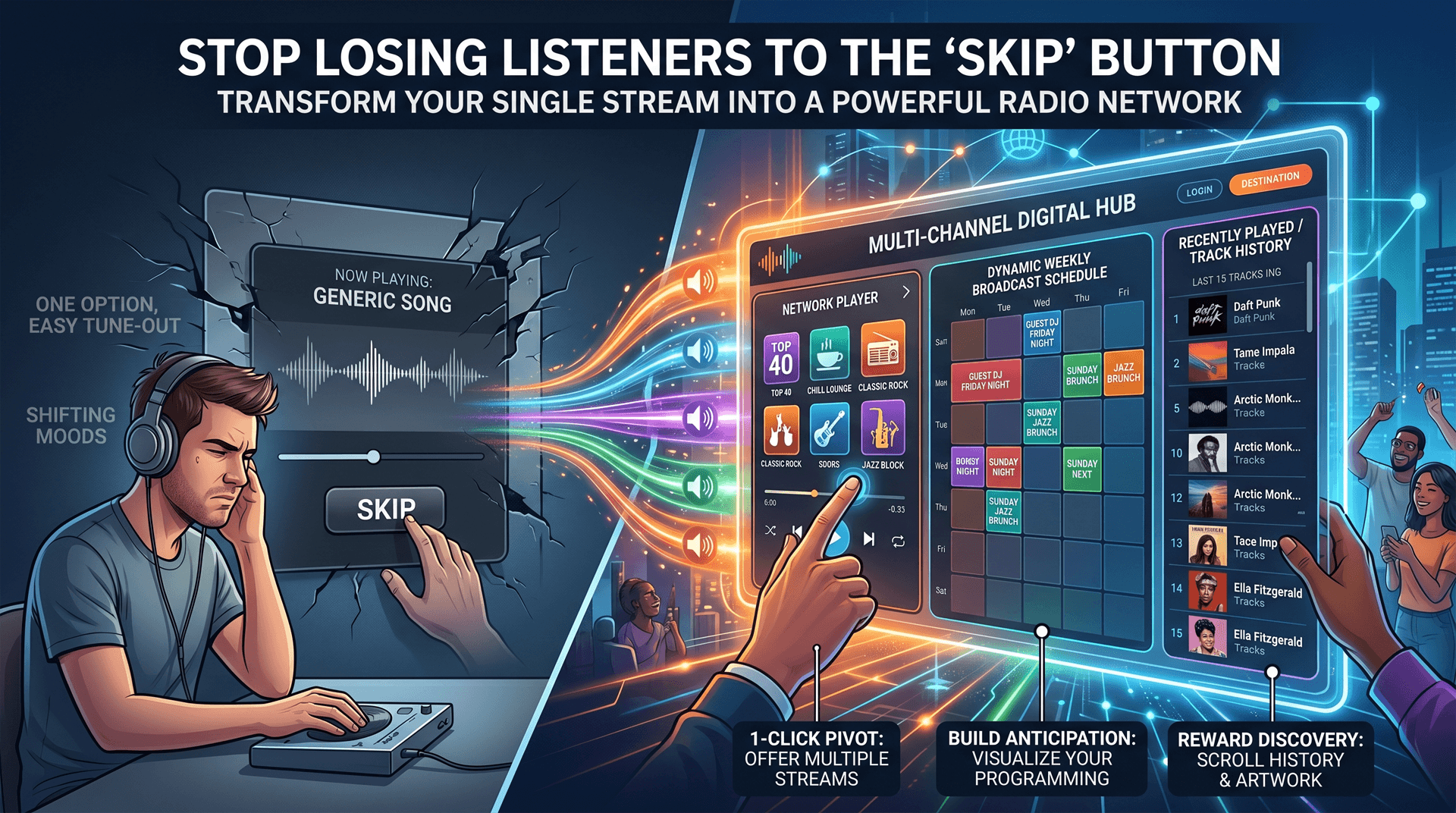
Every radio station owner knows the dread of the tune-out. You work hard to drive traffic to your broadcast, but you cannot please everyone all the time.
When a listener visits your site and the current track simply does not match their mood, what are their options? In a traditional single-stream setup, their only option is to leave your site and find another station.
You do not just want to be a single stream; you want to be a destination. Here is how upgrading to a multi-channel player ecosystem keeps listeners locked into your brand, even when their musical tastes shift throughout the day.
1. The Power of the Pivot (Multiple Streams)
Terrestrial radio has always relied on the "dial." If a listener does not like a song, they turn the dial to another station. As an internet broadcaster, you want to own the entire dial.
Instead of launching completely separate websites for different genres, you can consolidate your audience into one powerful digital hub.
- The Fix: Offer multiple audio streams within a single, unified web player. If your listener is tired of your "Top 40" mix, they should be able to click a single button within the player to instantly switch over to your "Chill Lounge" or "Classic Rock" stream. Keeping the user on your domain drastically increases your total listening hours and reduces bounce rates.
2. Building Anticipation (The Weekly Schedule)
Live radio thrives on appointment listening. If you have a popular guest DJ spinning on Friday nights, or a dedicated jazz block on Sunday mornings, your website needs to aggressively promote it.
Hiding your schedule in a static image or a difficult-to-read text block means your audience will miss your best content.
- The Fix: Your web player and public pages should feature a dynamic, interactive Weekly Broadcast Schedule. When listeners can visually see exactly what days and hours their favorite shows are broadcasting, they transition from random, passing listeners into dedicated, returning fans.
3. Rewarding Discovery (Track History and Artwork)
Have you ever heard the end of an incredible song on the radio, only to be frustrated because the DJ never announced the title? Internet radio listeners experience this constantly.
When your player only shows the "Now Playing" track, you are punishing listeners who tuned in just a few minutes too late to catch a song they loved.
- The Fix: A professional player displays a rich Track History. By showcasing the last 15 tracks played - complete with high-quality album artwork - you turn your player into a music discovery engine. Listeners will stay on your page longer just to scroll through your history, screenshot track names, and engage with your curation.
Build Your Mini-Network in Minutes
Transforming your single stream into a comprehensive radio network does not require hiring a developer to build complex, multi-tabbed web pages.
At Web Radio Players, our HTML5 components and Full Site templates are built to handle multiple streams natively. You can add new streams, update your interactive weekly schedule, and toggle your track history display directly from your dashboard.
The best part? Your embedded players update automatically in under 30 seconds. No replacing code, no technical headaches.
Stop letting listeners click away. Give them a reason to stay on your station all day long.
If you still use the widget your host bundled, replace the AzuraCast, MediaCP, or Centova player. Multi-stream switching also lives in our HTML5 player for SHOUTcast and Icecast.